HOME
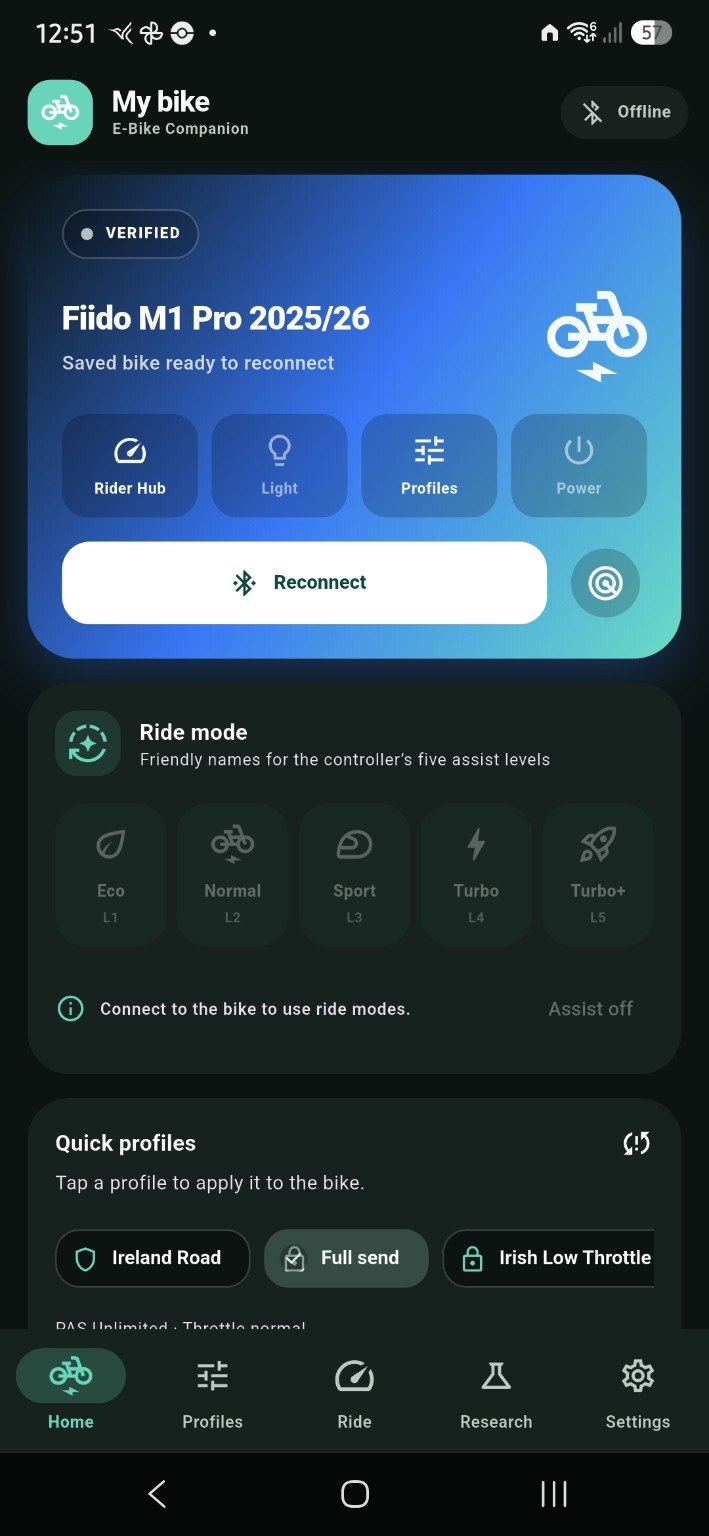
Home dashboard
Quick access to your bike, riding profiles and companion tools.
 E-Bike CompanionYOUR RIDE. YOUR DATA.
Browse screenshots of the Android app in a dedicated gallery. The homepage stays focused on the product and its key benefits.
Select any screenshot to open the full-size image. These are real app screenshots, not concept mockups.
Quick access to your bike, riding profiles and companion tools.
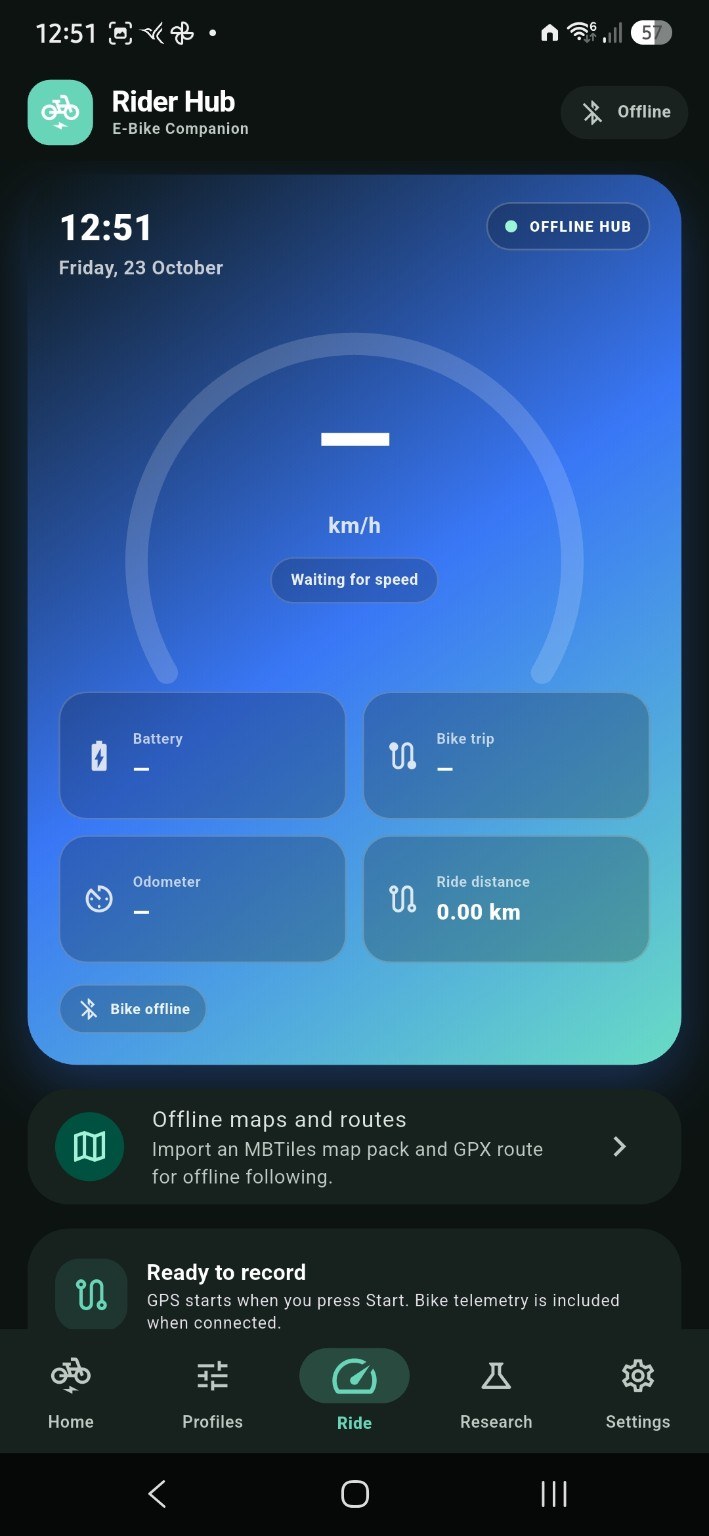
A glanceable dashboard for ride information and bike telemetry when connected.
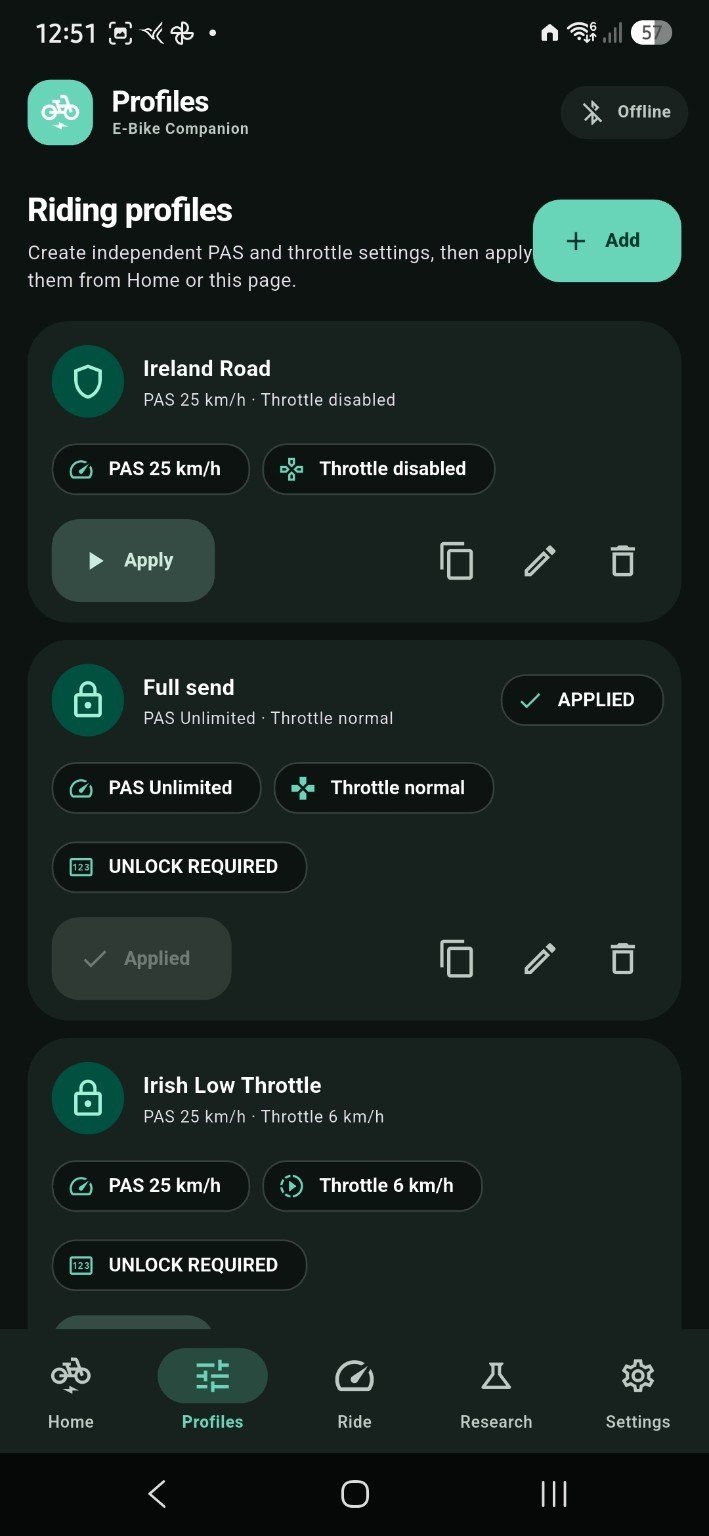
Keep profile settings organised, with clear indicators for applied or locked profiles.
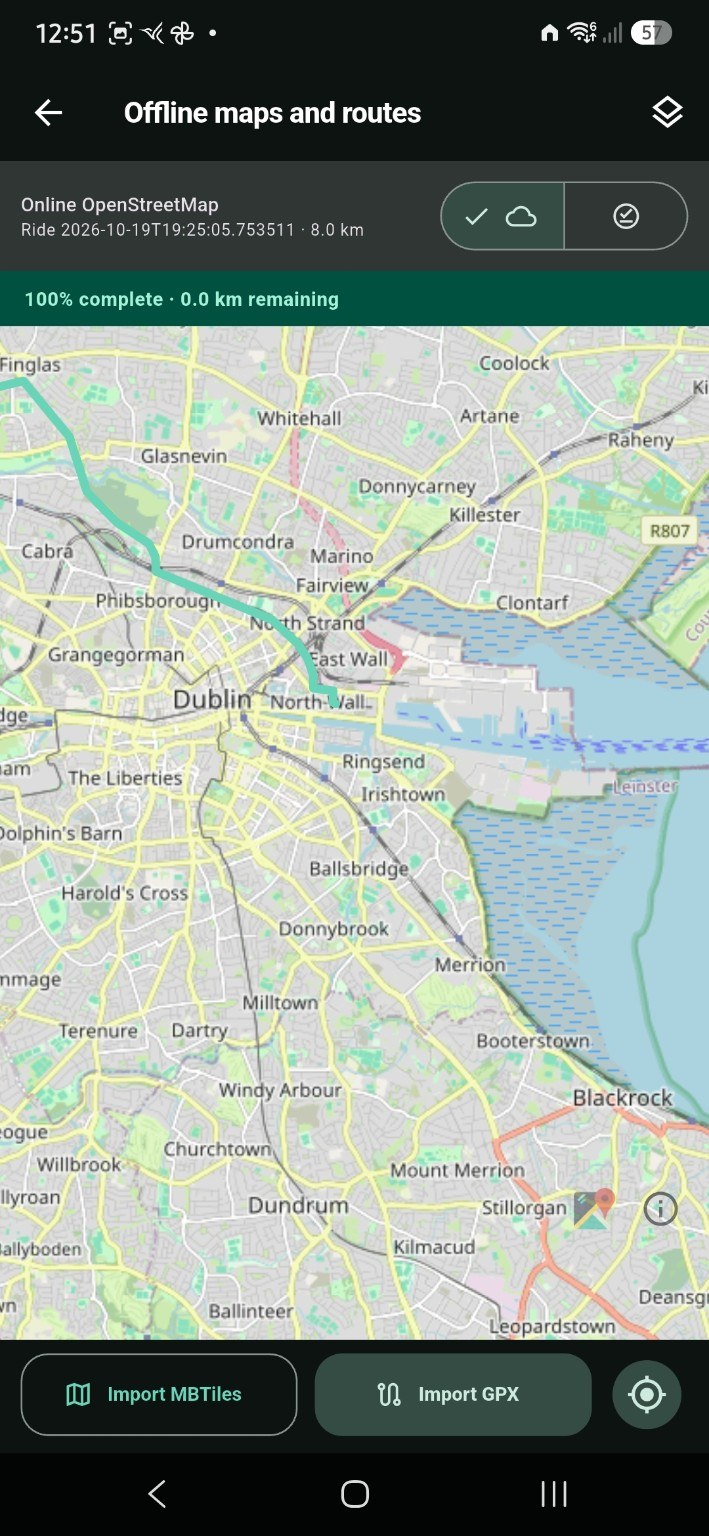
Bring your own MBTiles map packs and GPX routes for offline use.
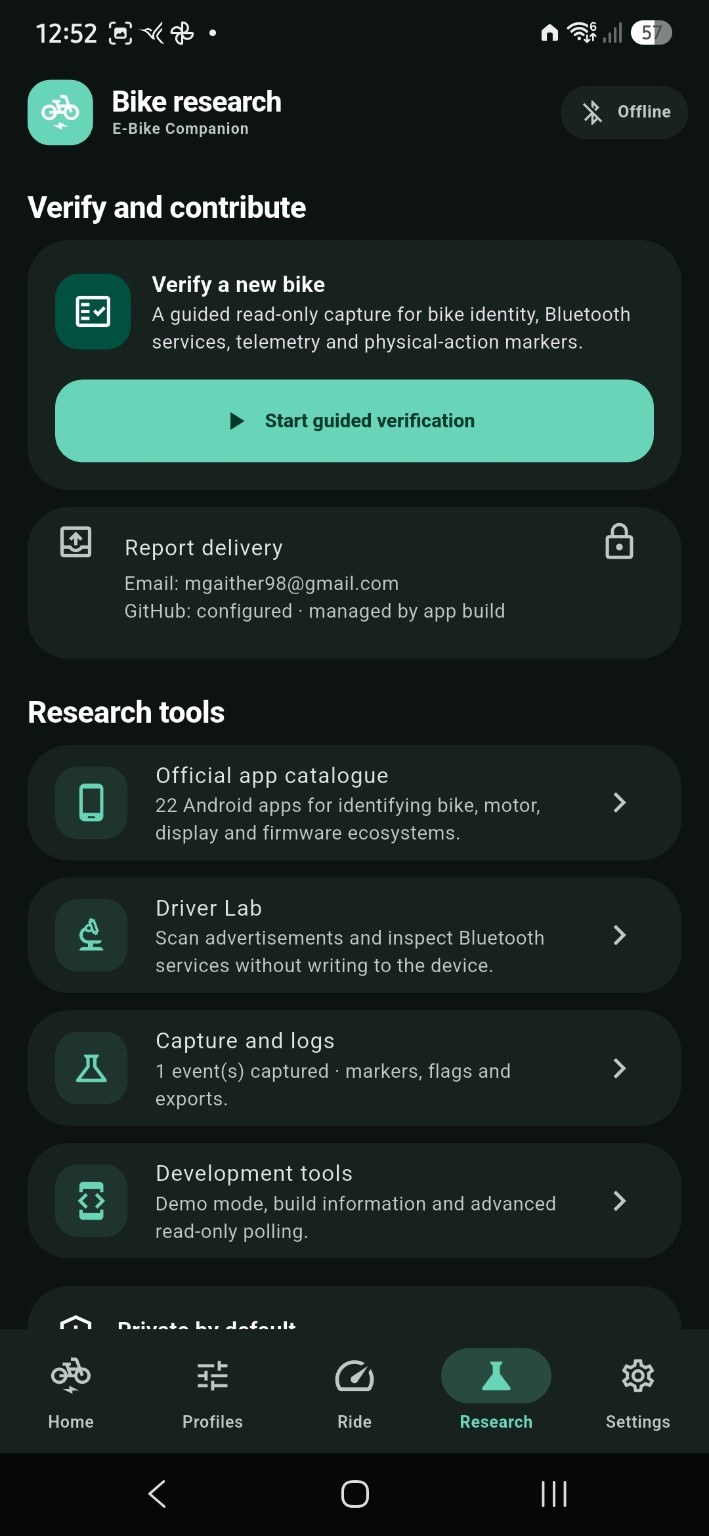
Guided read-only research tools help build compatibility evidence carefully.
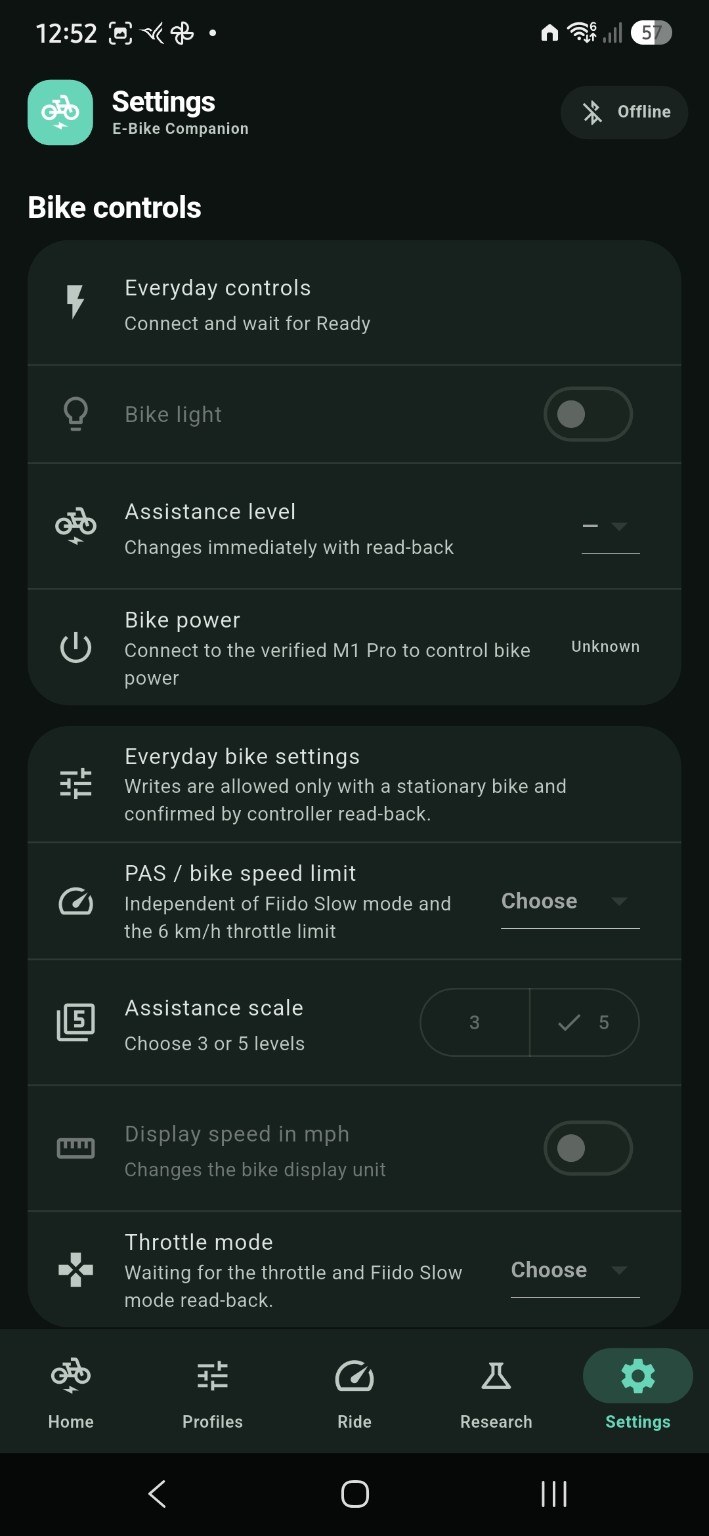
Review bike control options, connection requirements and capability states.
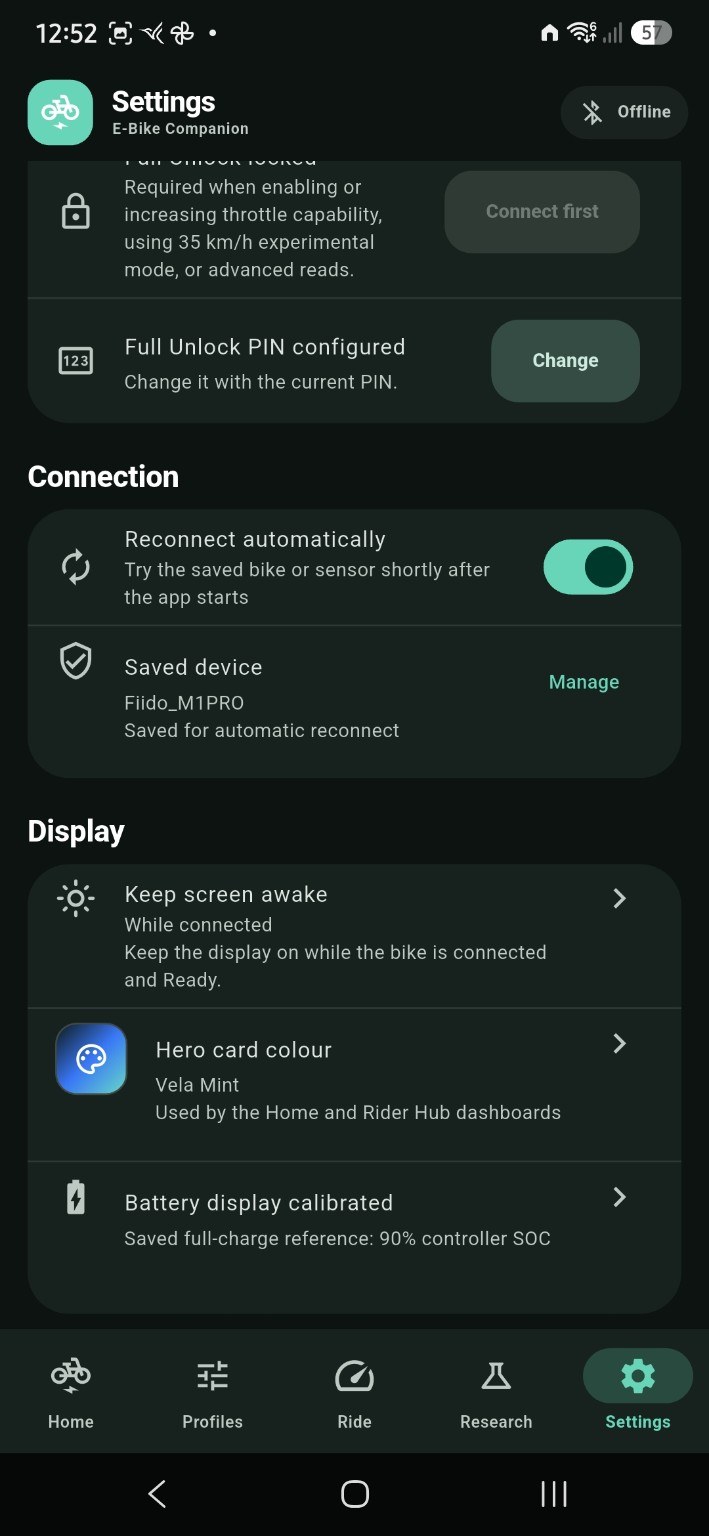
Manage connection behaviour and display preferences.
Read the guides or check which bike configurations have documented evidence.